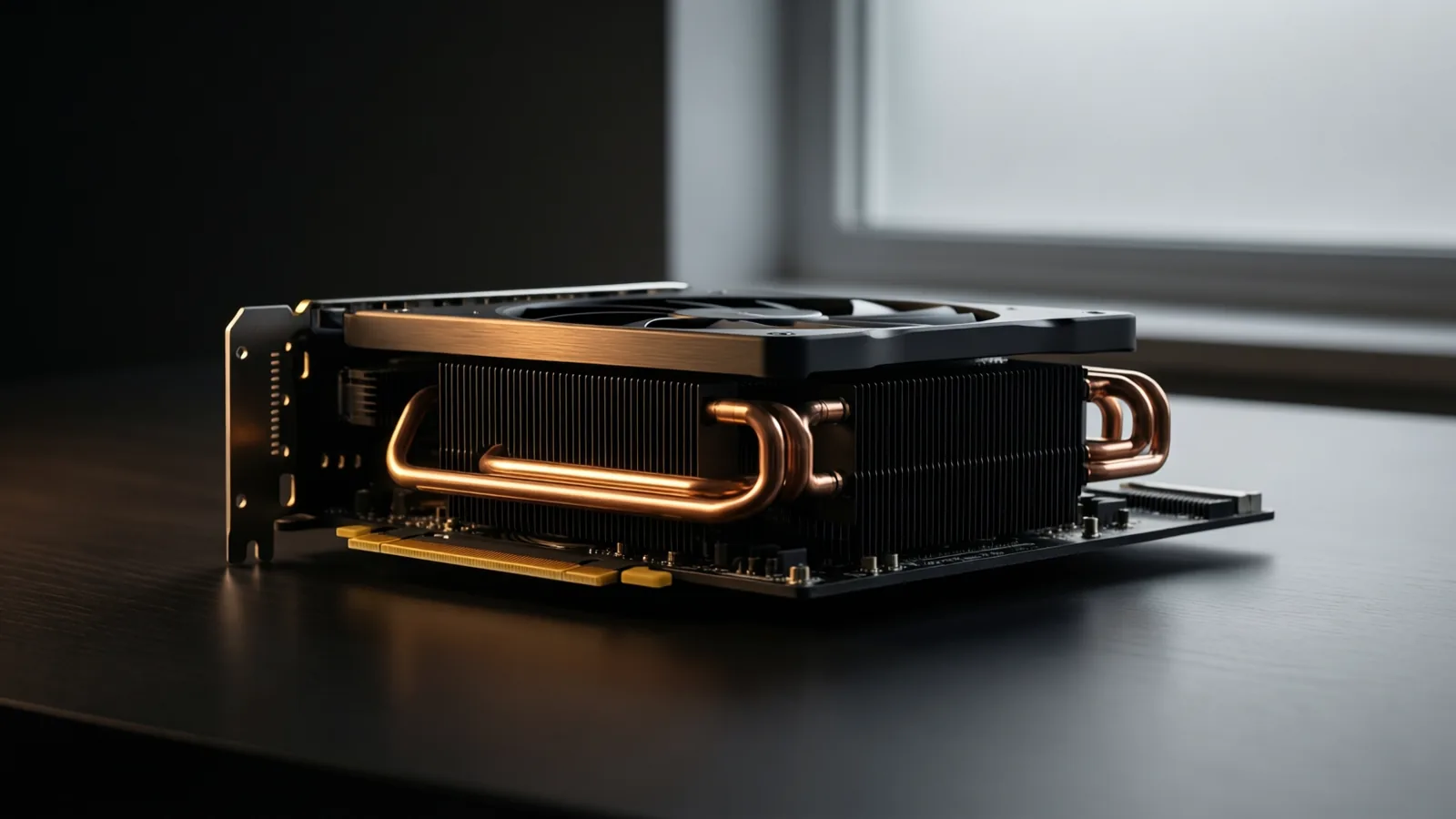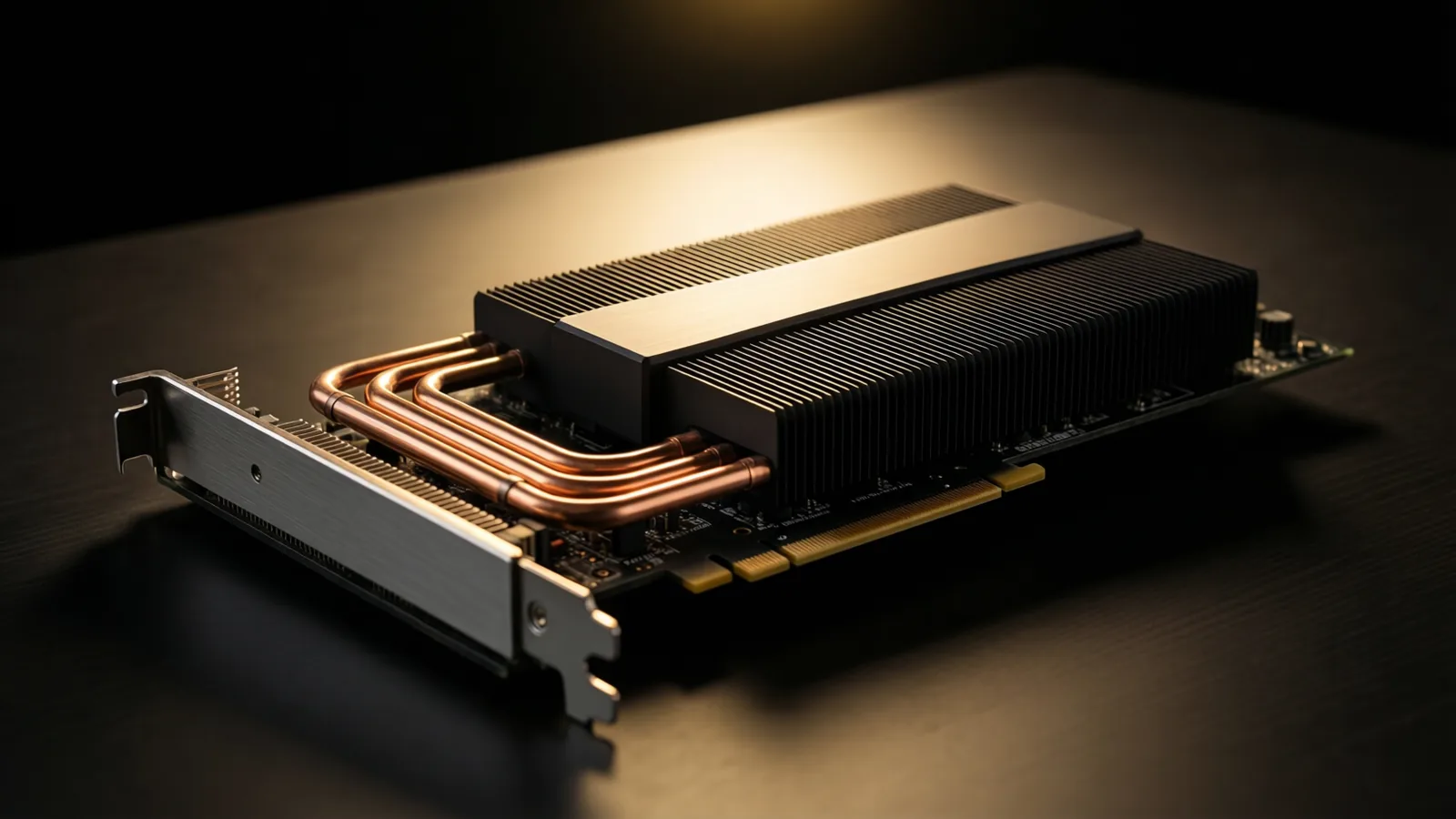
The short version: GPU is faster, CPU handles bigger, and Apple Silicon quietly removed the main reason anyone chose CPU.
The short answer
Ray tracing is millions of independent light calculations, which is exactly the shape of work thousands of simple graphics cores beat a handful of capable processor cores at — so for most interior rendering the GPU wins decisively. The catch is memory: a scene that will not fit in the card’s own memory simply fails, however fast the card is. That is the wall Apple Silicon changed, by sharing one pool between processor and graphics rather than giving the graphics its own small allocation.
What the difference actually is
Rendering is millions of independent light calculations. A processor has a modest number of very capable cores. A graphics card has thousands of simpler ones.
For work that splits into millions of identical small tasks — which is exactly what ray tracing is — thousands of simple cores wins decisively.
| GPU | CPU | |
|---|---|---|
| Speed | Much faster | Slower |
| Scene size limit | Card memory | System memory |
| Cost per unit of speed | Better | Worse |
| Feature completeness | Occasionally behind | Complete |
| Real-time rendering | Required | Not viable |
The memory wall
This is the only reason the debate exists.
A discrete graphics card has its own memory — typically 8 to 24 GB. If your scene exceeds it, the render does not slow down, it fails. A processor uses system memory, which is far larger and expandable.
So the historical pattern was: GPU for speed, fall back to CPU when the scene got too big. Interior scenes with full 4K texture sets and vegetation hit that wall regularly.
Which engine uses which
The choice is often made for you by the renderer you already own, so it is worth knowing where each one stands before buying hardware for a debate you are not in.
| Engine | Renders on | Consequence for buying |
|---|---|---|
| Enscape, Twinmotion, D5, Lumion | GPU only | A capable card is not optional; these are graphics-based by definition. |
| V-Ray | CPU, GPU, or both | The most flexible position — you can change your mind later without changing renderer. |
| Cycles (Blender) | CPU or GPU | Metal on Apple Silicon, CUDA or OptiX on NVIDIA, HIP on AMD. |
| Corona | CPU only | Buy cores, not a card. An expensive GPU does nothing for you here. |
That last row surprises people who have just spent money on a graphics card. Corona’s interior results are the reason many studios chose it, and they are produced entirely on the processor.
What Apple Silicon changed
Unified memory removes the wall. The graphics processor addresses the same pool as the processor, so a Mac with 64 GB has a graphics processor with access to far more memory than any consumer discrete card.
That does not make a Mac faster than a strong NVIDIA card — it is generally not. It means the failure mode is different: a Mac renders large scenes more slowly, where a memory-limited PC does not render them at all.
Detail in best Mac for 3D rendering.
What this means for what you buy
- If you use real-time rendering — Enscape, Twinmotion, D5 — you need a capable GPU. It is not optional; those engines are graphics-based by definition.
- If you render offline occasionally — a mid-range card with generous memory beats a faster card with less.
- If you do not render at all — integrated graphics are genuinely fine, and the money belongs in memory and the screen.
Card memory matters more than card speed for interior work, and it is the specification most often traded away.
How much card memory you actually need
Card memory is the specification most often traded away, and the only one whose shortfall stops the job rather than slowing it. A working guide for interiors:
- 8 GB — a single room, library furniture, modest texture sets. Real-time rendering is comfortable; offline stills start to bite.
- 12–16 GB — the practical figure for interior work with 4K textures, planting and a populated FF&E scene.
- 24 GB and up — large scenes, exterior context, or several rooms in one file.
You can measure your own need rather than guess at it: open your heaviest recent scene, start a render, and watch the memory figure your renderer reports while it loads. That number, plus roughly a third for headroom, is the card you should be buying. Every renderer displays it; almost nobody looks.
Some GPU engines soften the wall by spilling textures into system memory when the card fills — V-Ray calls it out-of-core. It rescues a render that would otherwise fail, at a speed penalty that grows with how much has spilled, so treat it as a safety net rather than as a reason to buy less card.
Hybrid rendering
Several engines now use both simultaneously, which is strictly better and requires no decision from you. If your renderer offers it, enable it and stop thinking about this.
For the full buying picture, see laptop specs for interior design.