Fabric is the material that most often gives a render away, and the reason is almost never the shader. It is the shape.
The short answer
It is almost never the shader — it is the shape. A modelled fold is a decision somebody made because it looked right; a simulated fold is a consequence of the weave, the weight of the cloth, what it is draped over and where it was last touched. Viewers cannot articulate those rules and detect violations instantly. The practical test is symmetry: real bedding, curtains and upholstery never are, because gravity and use are not. Then treat weight as a property rather than a texture — heavy linen and fine silk do not fold alike.
Simulate, do not sculpt
This is the whole thing, and everything else is detail.
A modelled fold is a decision — somebody moved geometry because it looked right. A simulated fold is a consequence: of the weave, the weight of the cloth, what it is draped over, and where it was last touched.
The second one reads as real because it obeys rules the viewer has watched cloth obey since birth. They cannot articulate the rules and they detect violations instantly.
The practical test: is it symmetrical? Real bedding, curtains and upholstery never are. Gravity and use are not symmetrical. If your render is, it was sculpted.
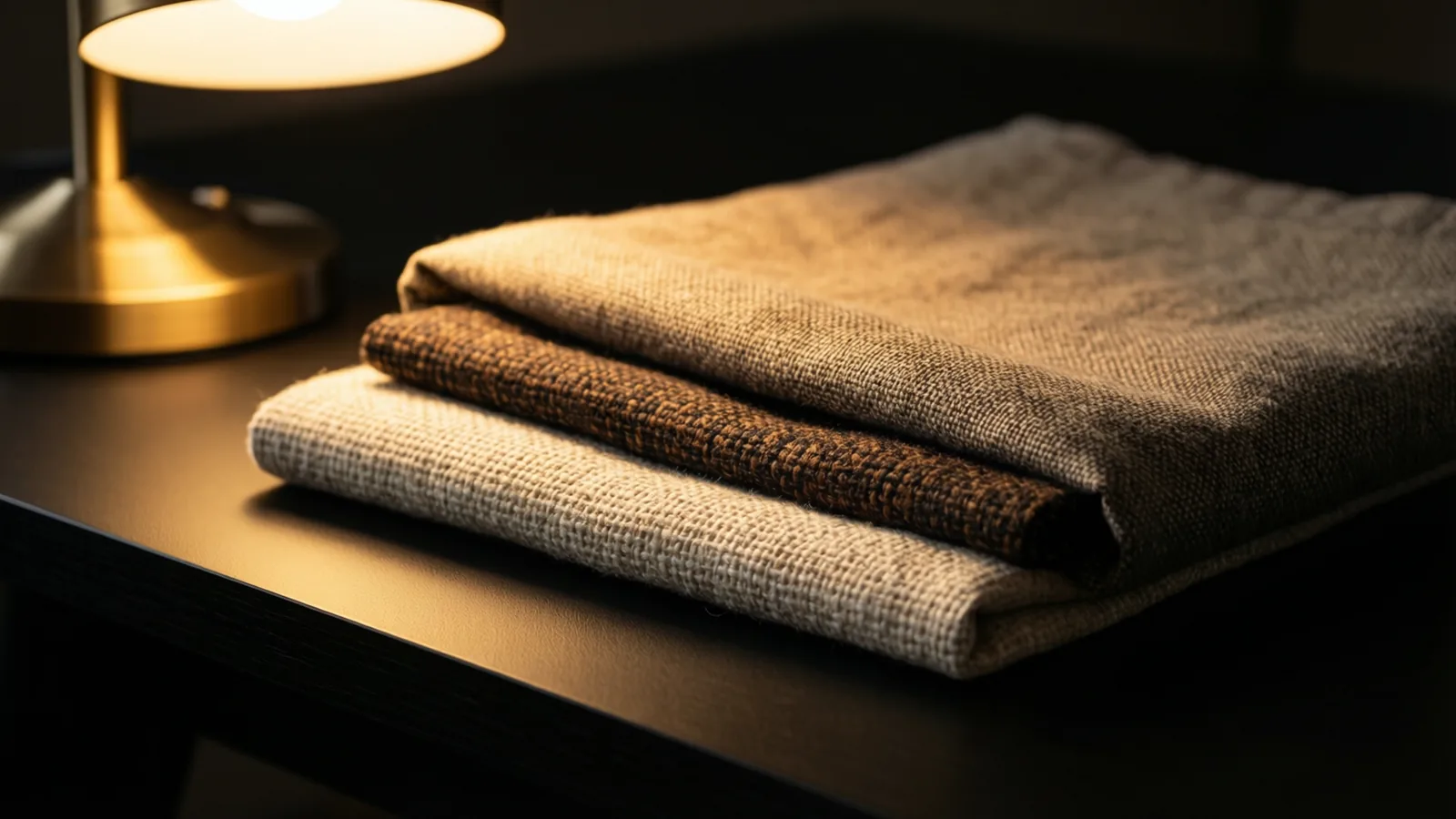
Weight decides the fold
The single most common error after sculpting is treating every fabric as the same cloth with a different picture on it.
| Fabric | Fold behaviour | Simulation note |
|---|---|---|
| Heavy linen | Few, deep, creases hold | High weight, low recovery |
| Lightweight cotton | Many, shallow, recovers | Low weight, higher stiffness |
| Silk | Fluid, continuous, no crease memory | Low friction, high drape |
| Wool upholstery | Holds form, minimal drape | High stiffness |
| Sheer voile | Weightless, moves with air | Very low weight, transparency |
Same geometry, same lighting, different weight setting — and the material changes identity. This is why "it looks like cotton, not linen" is a simulation note rather than a texture note.
Weave, not just colour
Percale, sateen and plain weave scatter light differently. Sateen catches it along the fibre, producing a soft sheen that moves as the camera moves. Percale scatters it evenly and reads matte.
A generic cloth shader flattens that distinction, and the product stops looking like the product. For a manufacturer, that is not a stylistic problem — it means the render is showing something they do not sell.
Model the weave at the level the camera will see it. At room distance a normal map is enough. At close range on a product shot, actual woven geometry earns its render time.
Light through, not just off
Fabric is slightly translucent. Light entering the surface, bouncing inside and leaving elsewhere is what makes cloth feel soft rather than printed.
This matters most on thin and pale materials — a top sheet, a linen curtain, a lampshade. Without it, white bedding reads as white plastic, which is the second most common failure after sculpted folds.
Scale is the quiet one
Texture scale wrong by even a modest amount and the eye reads it as a different material entirely. A weave scaled slightly too large turns cotton into canvas.
Always calibrate against a known dimension — a pillow, a seam, a hand. Do not judge scale on the material preview sphere, which has no size.
The five-minute test that tells you the truth
Before spending an afternoon on a bed, test the cloth on its own. Every renderer can do this and almost nobody does.
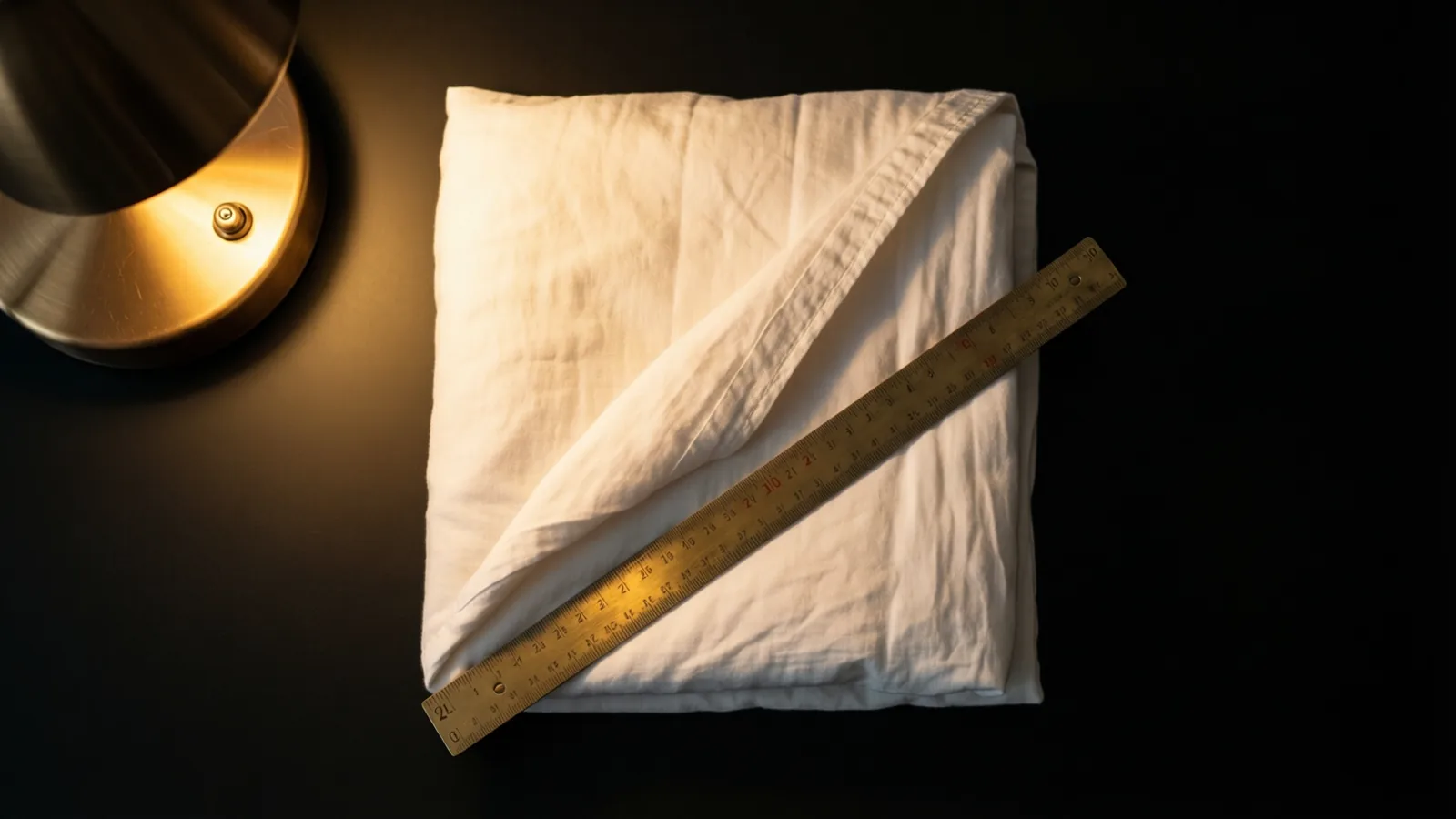
- Drape a square over a box. One metre of fabric, one cube, gravity, nothing else. Simulate.
- Look at the corners. Heavy cloth breaks into a few deep folds and hangs close to vertical. Light cloth flares and produces many shallow ones. If your linen is behaving like silk, the weight is wrong — and no shader will rescue it.
- Check the edge. Real fabric has thickness. An edge with no thickness reads as paper at any resolution, and it is the commonest tell in bedding renders.
- Backlight it. Put a light behind the drape. Cotton glows softly at the fold, wool barely at all, sheer fabrics almost entirely. If yours does not change, the material has no transmission and will look like plastic in a real scene.
- Then, and only then, apply the pattern. A weave that is wrong at 1:1 scale is wrong on the bed as well, just harder to diagnose.
Five minutes on a cube saves the afternoon you would otherwise spend adjusting the shader on a fold that was never going to look right.
The order to work in
- Simulate the drape before touching materials. Get the shape right first.
- Set weight and stiffness to the actual fabric, not to a default.
- Break symmetry — sit on the bed, pull a corner, let one side fall differently.
- Then apply weave, translucency and colour.
- Check scale against something of known size.
Most fabric renders fail at step one and are then corrected at step four, which never works.
For the commercial version of this — what it costs and what to send — see 3D bedding rendering: cost and process.