The tool question is easy and slightly beside the point. The harder question is what the board is meant to achieve, because that decides both the tool and the order of the pages.
The short answer
Split the job in two, because the tool follows from it. For gathering: Milanote as the free-form pinboard, and Pinterest because that is where clients already are — a shared board is the fastest way to find out what “warm but modern” means to them. Use it to gather, never to present. For presenting: InDesign or Affinity Publisher for anything client-facing, Canva when speed matters more than typography, Keynote if you present live. The part no software fixes is the order of the pages — reasoning first, image last.
Gathering
Milanote is the closest thing to a designer's pinboard — free-form, visual, quick to drag things into. Good for the stage where you are still deciding what the project is.
Pinterest is where clients already are, and a shared board is genuinely useful for extracting what they mean when they say "warm but modern". Use it to gather, never to present.
Presenting
InDesign or Affinity Publisher for anything client-facing. Proper typographic control, master pages, clean PDF export. Affinity is a one-off purchase rather than a subscription, and for this use the capability difference is negligible — the easiest cost saving in the stack.
Canva for speed. Genuinely fine for internal boards and early concepts. The limitation shows on typography, which is where a considered deck separates itself from a competent one.
Keynote is unfashionable and produces better presentations than PowerPoint, with clean PDF export. Worth knowing if you present from a laptop.
| Tool | Best for | Cost |
|---|---|---|
| Milanote | Gathering, early direction | Free tier |
| Client collaboration | Free | |
| Canva | Fast internal boards | Free tier |
| Affinity Publisher | Client presentation | One-off |
| InDesign | Client presentation | Subscription |
| Keynote | Presenting live | Free on Mac |
What actually goes on the board
Software is the easy half. A board that produces a useful conversation has a shape, and it is a tighter one than most people use.
- Six to nine images. More than that and you are showing a search result rather than a point of view. Every image you add lowers the weight of the others.
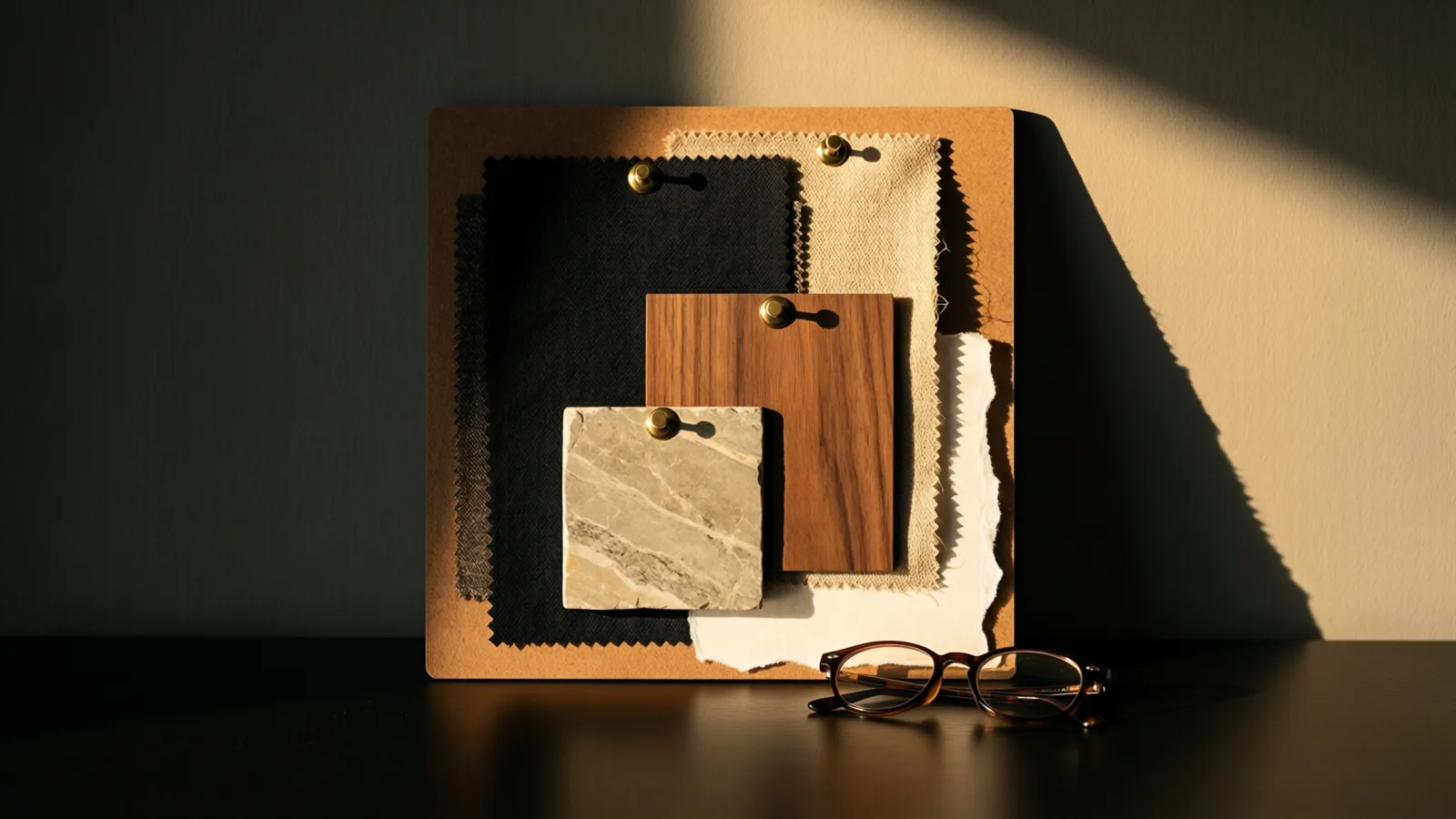
- One hero material, physically. A single real sample — stone, timber, a fabric — changes the conversation more than any number of pictures, because it is the only thing in the room that cannot be argued with.
- Something with a person or a scale reference in it. Clients read rooms in photographs as smaller than they are.
- No plans, no dimensions, no prices. The moment a number appears, the client starts evaluating rather than reacting, and reaction is what you came for.
- Two boards, not one. A single board asks “do you like this?”, which is a question about you. Two ask “which of these?”, which is a question about the project.
And keep the images anonymous where you can. A client who recognises a hotel will start briefing you towards that hotel rather than towards their own house.
The part the tool cannot fix
Most concept decks are ordered like a portfolio — best image first. That order is why the meeting becomes a discussion of taste rather than a decision.
A board that shows the reasoning first and the image last asks the client to confirm an argument they already accept. Same images, different order, entirely different meeting.
No software does that for you. It is the only part of this that actually changes outcomes.